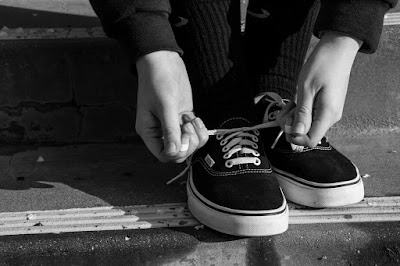
Here is the originally edited image that I put into photoshop: Here is the image that I edited by "Imitating a Graduated Neutral Density Filter in Photoshop" with Photography MAD: I used adjustment layers, one for shadows and one for highlights, and then I pressed alt/option in order to make sure the adjustment layer only applied to their corresponding layer. Next, I used the gradient tool, while holding shift to make a straight line, to add a natural looking Neutral Density. Also, I then adjusted the "curves" layer to make the highlights and shadows "stronger". I think that this tutorial would best work for landscapes of the beach or fields where there is possibly one color in the sky, because when editing it was hard to find a balance of enhancements for all featured colors.
In his TED Talk, David Griffin, talks on overall the standards that photo journalists have and the lengths they have gone to in order to capture photographs. He talks about specific photographic journalists for National Geographic and the untraditional ways they have told stories through their images. One of the best stories that Griffin told during his TED talk was of a journalist who traveled to Chad to photograph a small animal reserve, with a large elephant population threatened by poachers. After the photographer began following the matriarch of the herd for weeks he discovered her and 20 other members of her herd slaughtered for their ivory. Capturing her beauty alive, her innocence when slaughtered, and her reign when the park rangers retrieved her stolen ivory, depicted her unique photographic story in her habitat. David Griffin made a point about individuality and original depiction of relevant ideas and issues. For example, when on assignment an underwater photogr...